Start with the job the color needs to do
A limited palette is a small, deliberate set of colors used throughout an image. It is not a rule that every object must have its expected real-world color. A blue shadow, pink tree or green face may work if it helps the illustration hold together. The useful question is what the viewer should notice and feel before they begin identifying individual objects.
Begin with a sentence about the image’s purpose: “A quiet room at dusk with one inviting lamp,” or “A crowded street scene with a restless mood.” Then name the focal point. These decisions give you a reason to keep or reject a color. For a quiet room, a restrained group of cool colors might leave space for the lamp’s warmth. For a busy street, a shared base color can connect many separate shapes.
Give each color a role
Choose a dominant color family first. It will occupy much of the image, often across the background, large objects or shadows. Add one or two supporting colors that can describe different surfaces without pulling attention away from the whole. Finally, reserve an accent for a small area you want viewers to find quickly. These are roles, not fixed proportions: a color may appear in several places while doing the same visual job.
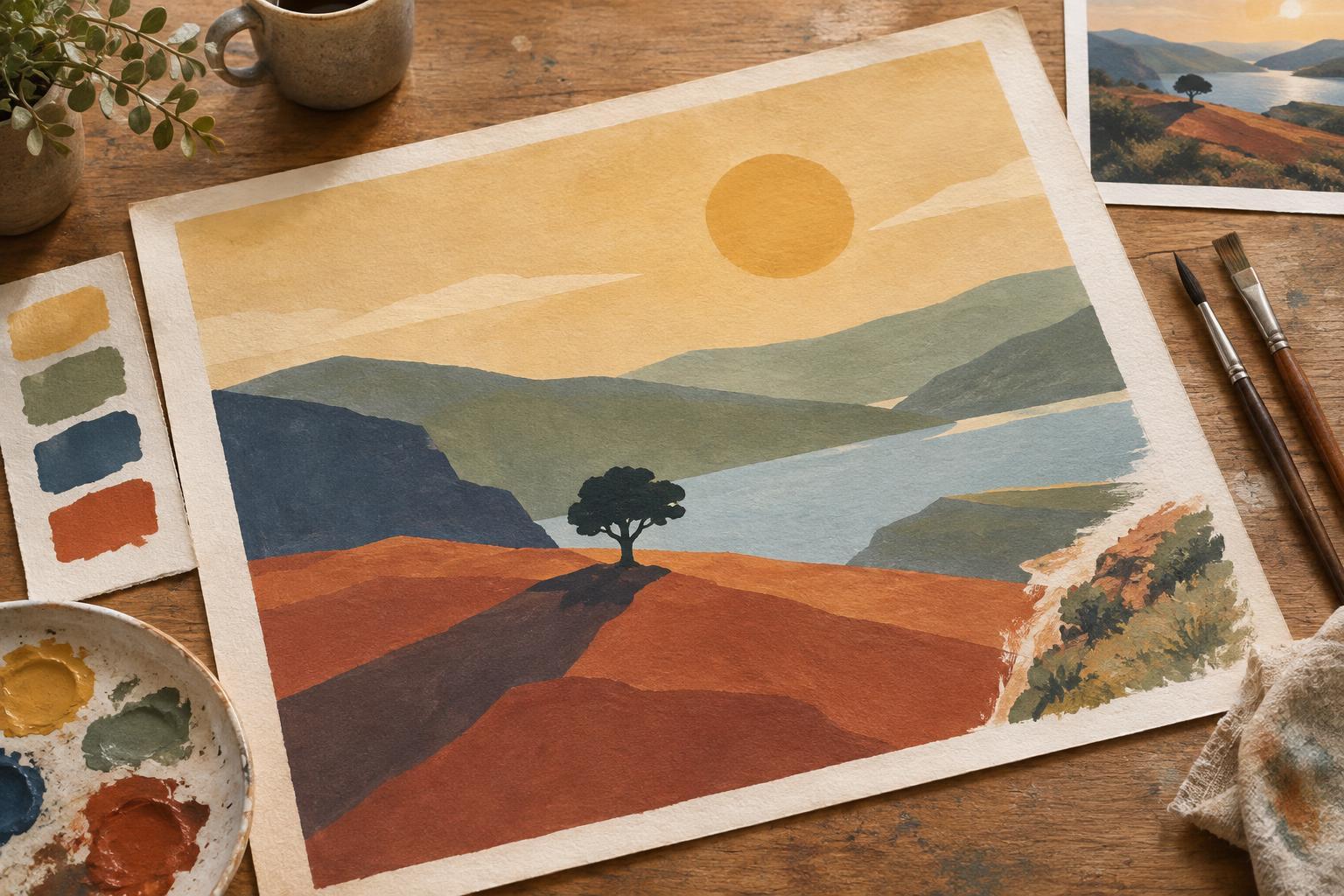
A starting palette could be a muted blue, a pale cream and a warm orange. Blue might unify the room and its shadows, cream could keep faces and paper readable, and orange could mark a lamp and a few nearby details. Repeating the orange in small touches helps the accent belong to the scene. If it appears everywhere, though, it stops acting as an accent. Consider whether you need a separate dark color for outlines, or whether a darker version of the dominant color will do.
Check value before refining hue
Colors that look distinct side by side can become hard to tell apart when they are used in an illustration. Value—how light or dark a color appears—is often the reason. Before settling on a palette, make a tiny version of your composition using only light, middle and dark tones. Can you recognize the main shapes? Does the focal point still have a clear place? If not, changing hues alone may not solve the problem.
Once you add color, view a copy of the image in grayscale or squint at the thumbnail. Look especially at adjacent shapes that need to stay separate, such as a figure against a wall. You do not need strong contrast along every edge. Losing an edge can create atmosphere, while a sharp contrast can direct attention. Decide which edges matter, then adjust their values on purpose.
Test colors in the composition, not just in swatches
A row of swatches shows whether colors seem pleasant together, but it cannot show how they behave across a page. Make two or three small color studies using the same drawing. In one, let the warm color dominate; in another, keep it for the focal point. In a third, try a lighter background or a darker foreground. Work quickly enough that you are comparing broad relationships rather than polishing details.
Pay attention to area and placement. A bright color covering half the page will feel different from the same color on a small sleeve or sign. Also look at what happens where colors meet. If two neighboring shapes merge, you might separate them with value, shift one color warmer or cooler, or introduce a narrow gap. You may find that the palette is sound and the composition needs the change.
Keep the system flexible
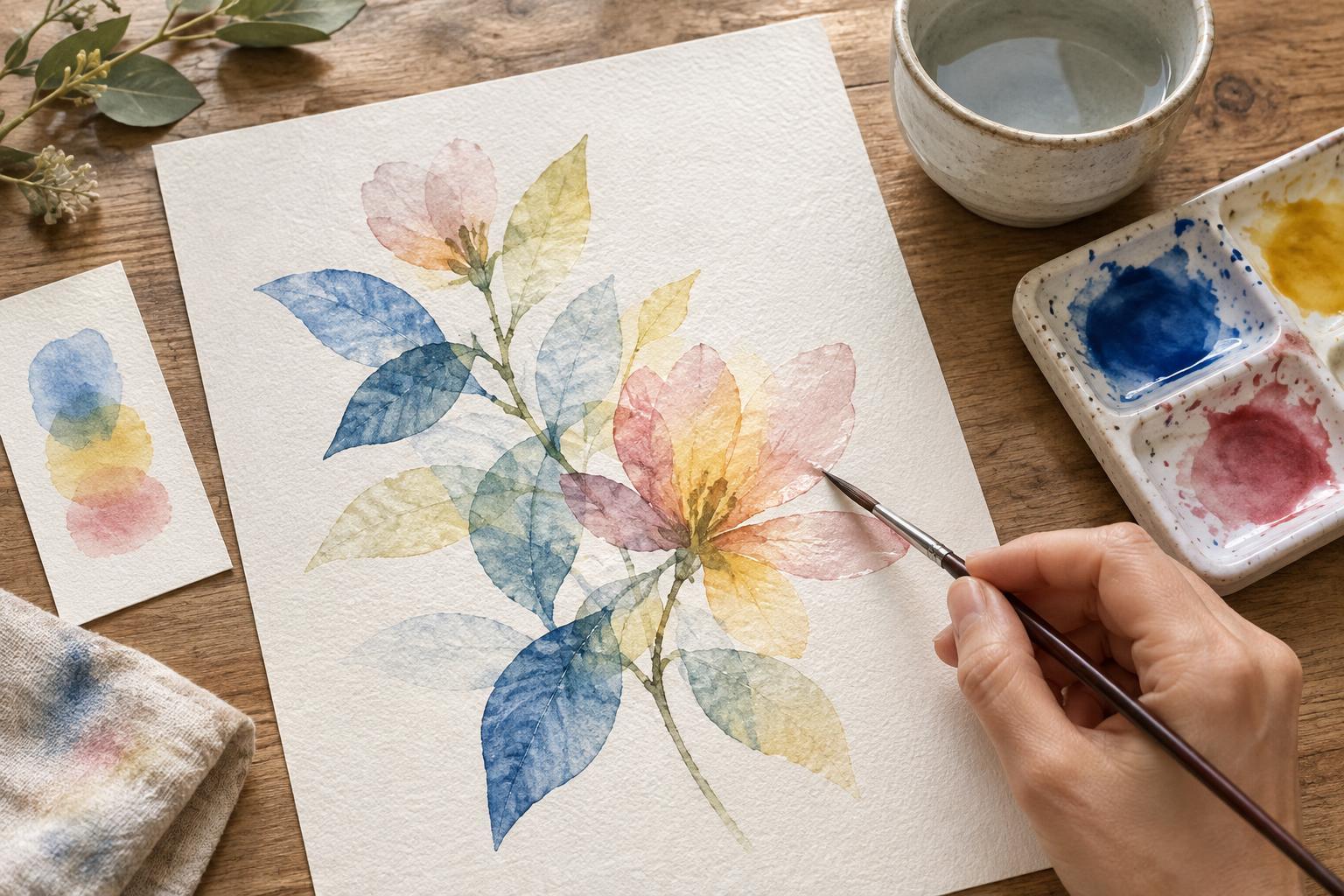
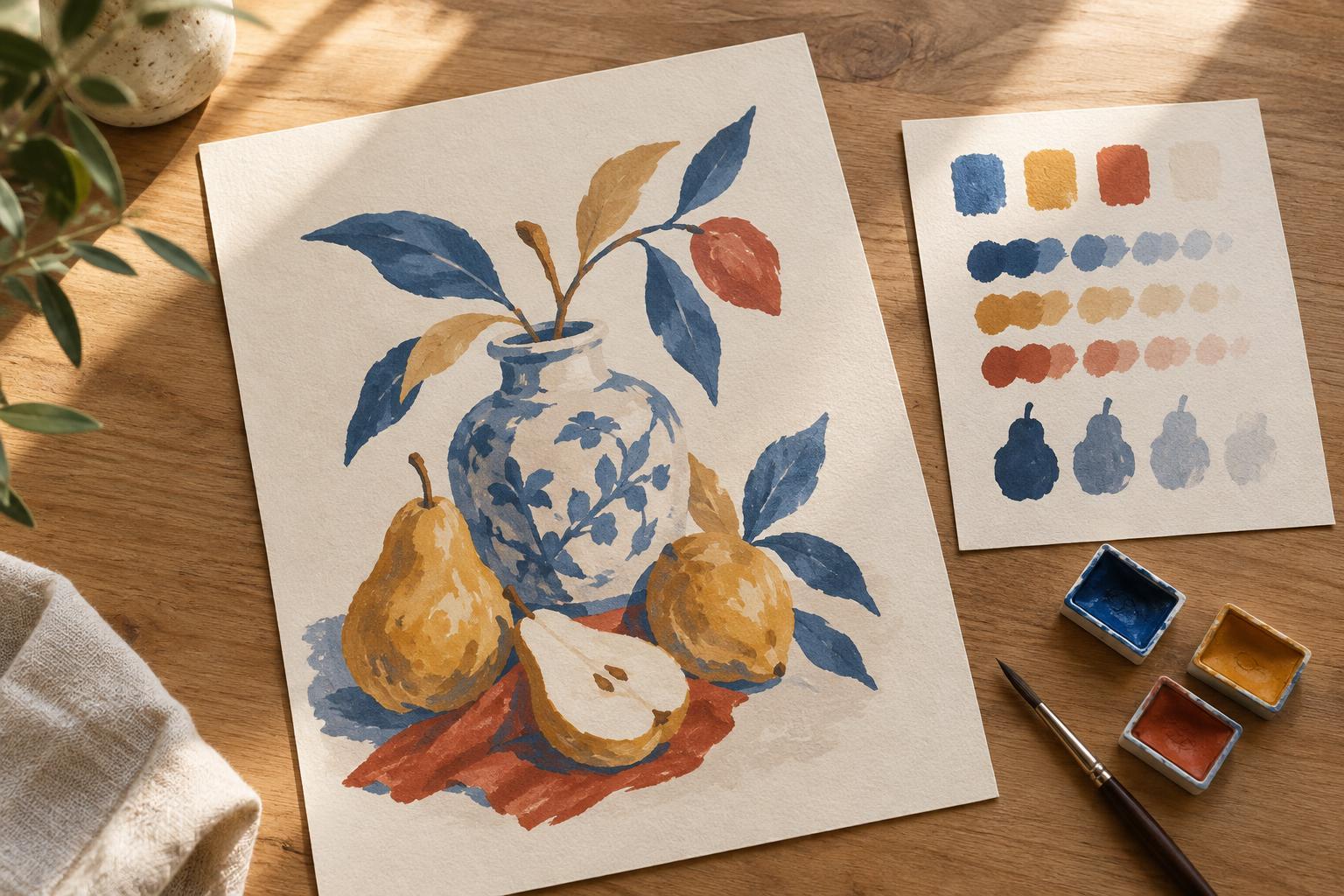
Limiting colors does not mean using each one at only a single strength. Lighter and darker versions can describe form while preserving a sense of unity. Transparent layers, paper color and texture can also create variation. For a digital illustration, save the core colors as swatches so accidental near-matches do not multiply. With traditional materials, test mixtures on a scrap of the same paper to see how they look when dry.
At the end, ask whether every added color has a purpose. It may clarify an object, support the mood or strengthen the focal point. If it does none of those things, try removing it. The goal is not to use the fewest possible colors; it is to give each choice enough work to do that the illustration reads as a whole.