What color blocking is for
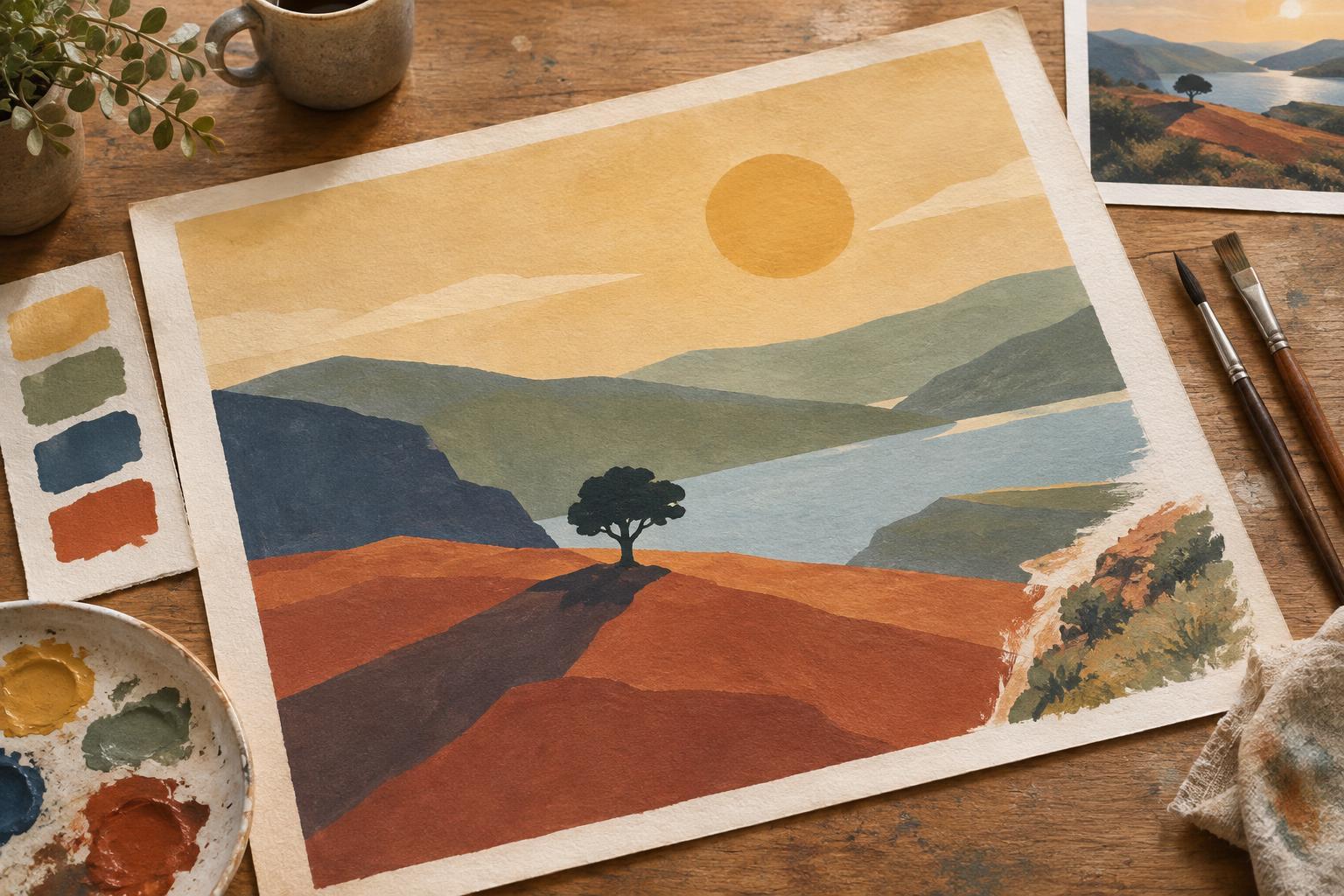
Color blocking means filling the major parts of an illustration with broad areas of color before working on textures, highlights or small features. It is a planning stage, not a rushed version of the finished piece. A figure might begin as one color for the skin, another for the clothing and a third for the hair. The setting might start with just a few large shapes for the ground, background and most important objects.
The aim is to answer big questions while they are still easy to change. Does the subject stand apart from the background? Where does the eye go first? Do the colors suggest the intended atmosphere? A carefully rendered button cannot fix a composition whose main figure is hard to see. Broad blocks make that kind of problem easier to spot.
Begin with shapes and a limited palette
Start from a sketch that establishes the main forms, then identify the largest visible regions. Fill those regions without tracing every small contour. If a coat has folds, pockets and stitching, treat it as one shape for now. If several trees form a single background mass, they can share a block until the overall arrangement works. This approach applies to opaque paint, markers and digital layers alike, though the way you revise each medium will differ.
Choose a small working palette rather than searching for the perfect color for every object. One useful starting point is a background family, a family for the subject and an accent reserved for the focal area. These are roles, not strict rules: a quiet illustration may need little contrast, while an energetic one may benefit from a bolder accent. The first pass only needs to show how the colors relate to one another.
Try not to assign colors solely according to what an object is “supposed” to look like. A white shirt in shadow may need a cooler, darker block than a sunlit wall; green leaves may need to recede rather than compete with a character’s face. Thinking in terms of each color’s job helps keep the whole image coherent.
Check value before refining hue
Value is how light or dark a color appears. Two blocks can look different in hue yet be so similar in value that their edges become hard to read. Step back from the illustration or look at it at thumbnail size. If the main subject disappears, adjust the light-dark relationship between it and its surroundings before adding more color variation.
A grayscale view can help reveal value problems in digital work. With physical materials, a quick monochrome thumbnail serves a similar purpose. Neither check needs to produce a dramatic image: soft value relationships can suit a gentle scene. What matters is whether the important shapes remain legible at the scale where the illustration will be seen.
Consider the focal point as you make these adjustments. A concentrated light-dark contrast near a face, hand or story-relevant object can draw attention. Keeping less important areas closer in value may give the eye a place to rest. This often does more for clarity than increasing saturation everywhere.
Test the lighting and the edges
Once the main blocks read clearly, decide where the light is coming from. Add broad shadow and light shapes across forms rather than shading each object independently. A single shadow crossing a sleeve, hand and table can help them feel connected within the same scene. Keep this pass simple enough that you can still move or reshape it without losing substantial work.
Pay attention to the borders between blocks. A sharp edge can make a silhouette or important gesture easy to read; a softer or lower-contrast edge can let a secondary area settle back. You do not need to refine every boundary at once. First, make sure the outline of the subject and the intersections between major shapes communicate what is happening.
Know when to move on to detail
Before refining, give the blocked image one last small-scale check. Can you identify the subject, understand the basic action and find the intended focal point without relying on line work or tiny marks? Are any two adjacent shapes merging unintentionally? If something feels off, try changing one large block at a time. Comparing two simple alternatives is often more useful than making many small adjustments across the page.
When the broad relationships hold together, add detail selectively. Texture, pattern and highlights can reinforce form and mood, but they need not fill every area. Leave quieter passages around the focal point so the most meaningful details have room to register. Color blocking has done its job when it gives those later choices a clear foundation, not when it predicts every mark in the finished illustration.