Think in layers before choosing colors
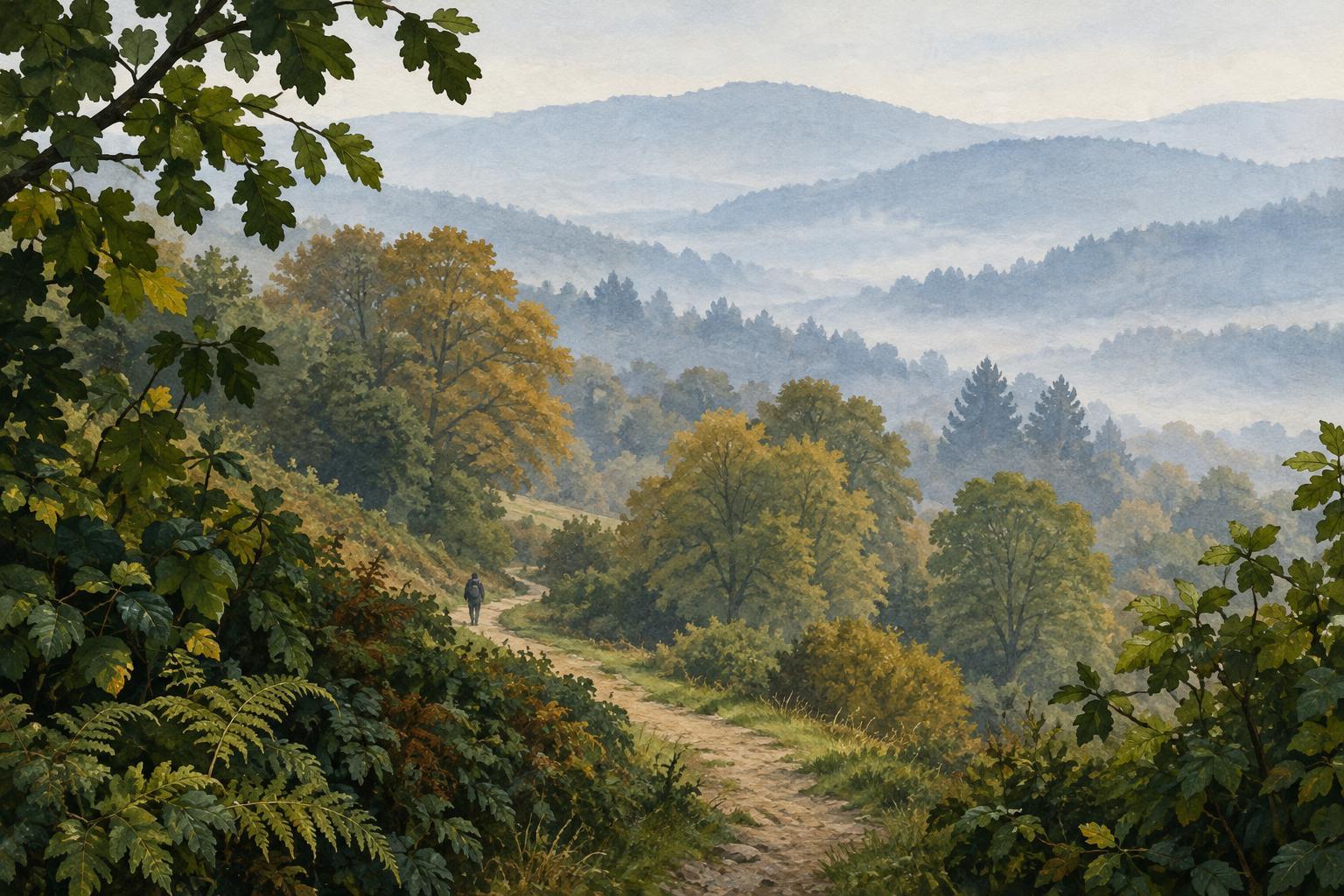
Atmospheric color is the use of color relationships to suggest distance. In a landscape, distant shapes may appear less distinct than nearby ones because the air between them and the viewer affects how clearly they are seen. An illustrator can borrow that visual cue even in a scene with only a few feet of depth, such as a character standing in front of a doorway.
Start by dividing the image into foreground, middle ground and background. These do not need to be rigid bands: a hand reaching toward the viewer might be foreground while the rest of the character sits in the middle ground. Decide which layer should attract attention first. That decision matters more than making every distant object pale or every nearby object dark. Atmospheric color works best when it supports the story and the focal point.
Build separation with value and contrast
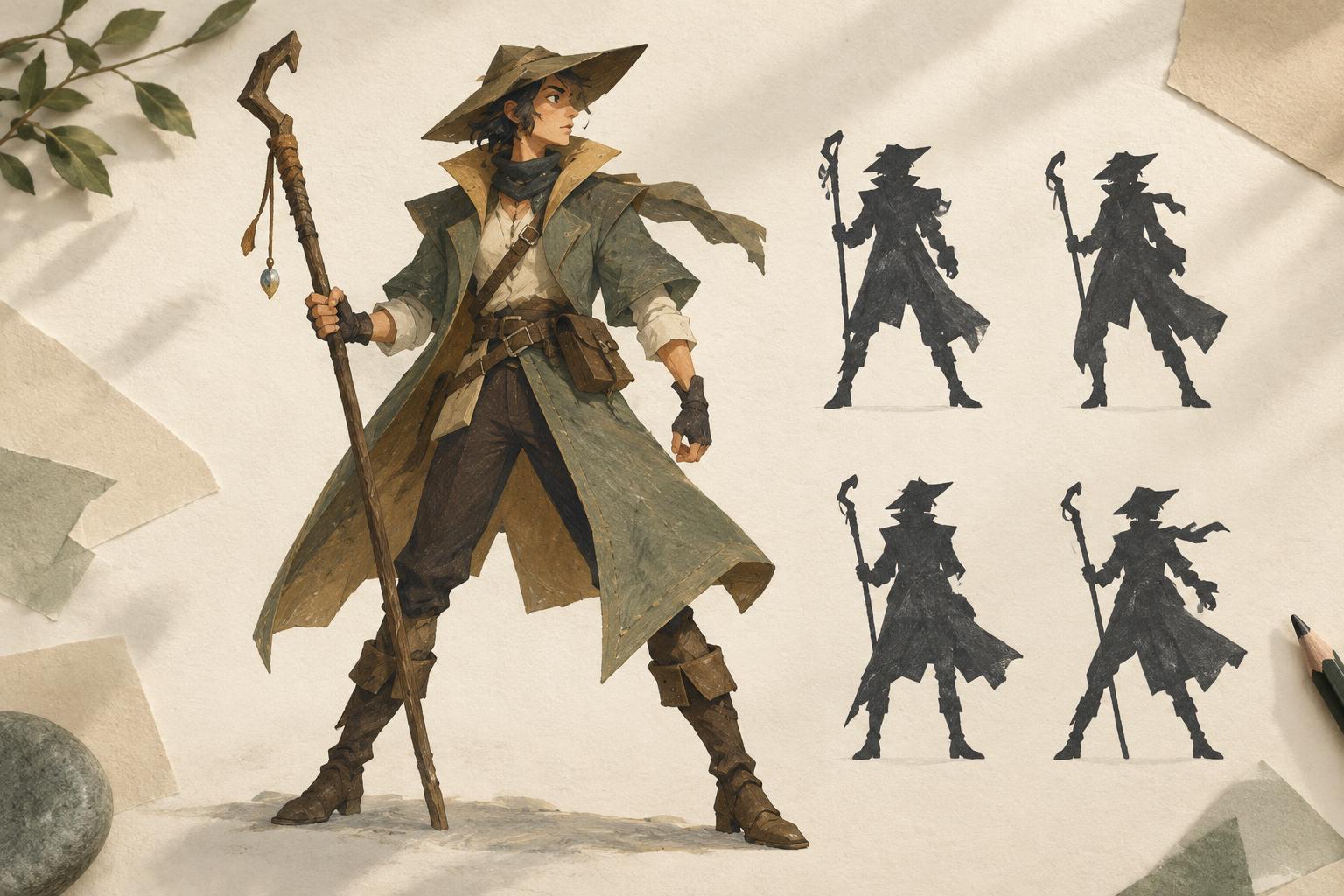
Value—how light or dark a color appears—is a reliable place to begin. Make a small grayscale thumbnail and give each layer a distinct range. For example, you might place a dark foreground shape against a medium-value figure and a light background. You can also reverse that arrangement: a brightly lit figure can stand out against a darker room. What matters is that important edges remain easy to read.
Contrast describes the difference between neighboring values or colors. Nearby objects can have stronger internal contrast: a crisp shadow under a sleeve, a clear seam on a bag or a sharp edge against the sky. Farther objects can use closer values and fewer abrupt changes. If every leaf, brick and cloud has equally strong contrast, the image may feel flat despite careful perspective drawing.
Check your thumbnail at a small size. If the focal subject disappears, simplify or shift one layer’s value range rather than adding more detail. A narrow rim of contrast at a key silhouette may do more for clarity than a fully rendered background.
Use hue and saturation with intention
Many scenes suggest depth by giving distant areas cooler, less saturated colors and keeping warmer, more vivid accents near the viewer. That is a useful starting pattern, not a rule. Sunset light, colored fog, stage lighting or a strongly designed palette can change the relationship. A warm background can still feel distant if its shapes have soft edges and restrained contrast.
Try limiting the background to a smaller family of hues while allowing the foreground a few distinct color notes. A blue-green street, for instance, might sit behind a figure with a warm red scarf. The scarf’s color can guide the eye, but its effect depends on the surrounding colors; a red accent will be less singular if every sign and window is also red. Reserve your strongest saturation for places that deserve attention, wherever they sit in the scene.
You can create cohesion by letting a little of the background color enter foreground shadows, or by repeating a muted foreground hue in the distance. These echoes keep the layers from looking like separate cutouts while preserving their differences.
Control edges and detail as part of the palette
Color separation becomes more convincing when edges follow the same depth plan. Keep selected foreground edges crisp, especially where they overlap another layer. In the background, combine small shapes, soften transitions or omit details that would compete with the subject. A distant row of windows may read better as a rhythm of simple marks than as individually rendered frames.
Avoid softening everything far away. A clear background silhouette may be essential to the setting, and a blurred foreground object can make an effective framing device. Choose which edges carry information. If an edge explains a pose, an action or a location, protect it; if it adds texture without helping the scene read, it may be a candidate for simplification.
Try a three-pass color study
Choose a simple scene with an obvious subject, such as a person at a bus stop with buildings behind them. In the first pass, paint only three large shapes: foreground, subject and background. Use flat colors and adjust their values until each layer is recognizable at thumbnail size. In the second pass, give the layers different contrast and saturation levels. Add no small details yet.
In the third pass, add a few edges and accents where the viewer needs them. Then make two alternate versions: one with a lighter background and one with a darker background. Compare which version makes the subject clearer and which better suits the mood. This short exercise turns atmospheric color from a preset recipe into a set of choices you can adapt to any illustration.